Strategies7 min read
Which Session Should Your Futures VWAP Use?
Choose and document a futures VWAP session boundary by recording reset time, time zone, included hours, and break handling.
By TerraTrade Team

Scope and premise#
For a futures chart that trades beyond U.S. regular hours, there is no universally correct VWAP reset time. The useful choice is the session boundary that matches the question you want the reference to represent—and that you can define precisely enough to reproduce. An RTH VWAP and an overnight-inclusive VWAP answer different questions because they include different trades before the current price is compared with the line.
This guide is about selecting and recording the session window, not finding a VWAP setup or claiming one boundary is more profitable. Platform labels such as “session,” “RTH,” or “Globex” are not a substitute for writing down the actual reset time, time zone, included intervals, and break treatment. Check the exchange’s current hours for the specific contract and date before relying on a template; hours and special schedules can change. https://www.cmegroup.com/trading-hours.html?redirect=%2Ftrading_hours%2Findex.html https://www.cmegroup.com/trading-hours.html
Why the boundary matters on an extended-hours contract#
A futures contract may trade well outside the hours many traders call the U.S. cash or regular session. As one example, CME lists E-mini S&P 500 futures Globex hours as Sunday 5:00 p.m. through Friday 4:00 p.m. CT, with a daily 4:00–5:00 p.m. CT maintenance period. Those are contract hours, not a recommendation for where to anchor VWAP. https://www.cmegroup.com/content/dam/cmegroup/education/files/eq-trading-hours.pdf
CME publishes product-specific trading hours and schedule notes. Use the documented hours for the product and date you are charting rather than an informal label; the chosen intervals determine which trading activity contributes to the displayed reference. https://www.cmegroup.com/trading-hours.html?redirect=%2Ftrading_hours%2Findex.html
Changing the boundary changes the set of trades included before the current point in the calculation. The plotted reference can therefore differ, even when the contract and chart date are the same. This comparison describes the meaning of the selected window; it does not establish that one version predicts price better.
| Documented choice | What the plotted reference represents | Question it can help you describe |
|---|---|---|
| Overnight-inclusive trading-date session | The included overnight and daytime intervals in the configured trading date, subject to the selected break and reset rules. | How is price situated relative to the reference built from the broader configured session? |
| RTH-only window | The selected regular-hours interval. Trading before that window is not included in that RTH reference. | How is price situated relative to the reference built from the chosen regular-hours window? |
| Custom interval | Only the explicitly included intervals. A custom window may begin or end at times different from the exchange session or RTH. | How is price situated relative to the exact period I chose to observe? |
Breaks, time zones, and special schedules#
A daily break needs an explicit rule in your notes. Record whether the configured template excludes the break, ends one interval and begins another, or otherwise handles the gap. Do not assume that a break is equivalent to a reset: those are distinct configuration questions. Likewise, write the time zone next to every time. A clock time without a zone is ambiguous, especially when comparing chart settings with exchange schedules. Check the relevant exchange schedule and the platform’s current settings rather than relying on a remembered convention. https://www.cmegroup.com/trading-hours.html?redirect=%2Ftrading_hours%2Findex.html https://www.cmegroup.com/trading-hours.html VWAP - Order Flow+ on NinjaTrader Desktop
Use this worksheet for the specific chart configuration you trade or test. Record the indicator’s reset and the chart’s hours separately if your platform exposes both. If a field is unknown, verify it in the platform or leave it marked unknown rather than inferring it from the template name.
- Contract and symbol: ____________________ Expiry or continuous-symbol convention: ____________________
- Platform and VWAP indicator: ____________________
- VWAP reset interval or anchor setting: ____________________
- Exact reset time and day boundary: ____________________ Time zone: ____________________
- VWAP indicator’s selected trading-hours/session template: ____________________
- Chart or Data Series trading-hours template: ____________________
- Included trading intervals and days (write each start–end time): ____________________
- Break treatment and exact break times: ____________________
- Early-close and holiday handling: ____________________
- Exchange schedule or contract-hours source checked: ____________________ Date checked: ____________________
A short verification routine helps prevent “RTH VWAP” from becoming an undocumented personal convention:
- Name the observation you need. Decide whether the chart should show a reference built from an overnight-inclusive trading date, a defined RTH window, or a custom interval. This is a measurement choice, not a claim that the choice is superior.
- Verify the contract’s current exchange hours and any date-specific exceptions. Record the source and the date you checked it. Futures hours vary by product and may include daily breaks or special schedules. https://www.cmegroup.com/trading-hours.html?redirect=%2Ftrading_hours%2Findex.html https://www.cmegroup.com/trading-hours.html
- Inspect the VWAP settings and chart/Data Series settings. Record the reset interval, time zone, selected trading-hours template, and each included interval. Platform documentation identifies these as relevant configuration elements. VWAP - Order Flow+ on NinjaTrader Desktop
- Define break, holiday, and early-close handling. If the platform or template does not make the behavior clear, investigate before treating the chart as a reproducible reference.
- Apply the same written definition to every chart or test being compared. Save a screenshot or configuration record with the worksheet, and update it when the template or contract changes.
The strength of any choice is that it makes the reference answer a defined question. The limitation is that changing the window changes what the line represents; the setting alone does not establish a trading edge. Select the boundary that matches your analysis, document it precisely, and use the same definition when reviewing comparable charts.
Practical verdict
What each choice can clarify
- ✓An overnight-inclusive window can represent the broader configured trading date.
- ✓An RTH-only window can isolate a specifically defined regular-hours interval.
- ✓A custom window can match a clearly documented observation period.
What to keep in mind
- —Changing the session definition mid-study changes the reference itself, breaking like-for-like comparisons.
- —Platform templates labeled similarly (for example, “RTH”) may define different hours; hours must be written explicitly for reproducibility.
- —Breaks, holidays, and early closes can shift the anchor and must be verified on the exchange schedule for the specific date.
Frequently asked questions#
What VWAP session reset time should I use for futures?
There is no universal futures VWAP reset time. Choose and document the window that matches the reference you intend to observe; verify its exact time, time zone, included intervals, and break treatment.
Does RTH VWAP include overnight futures trading?
It means the chosen RTH interval contributes to that VWAP reference, while trading outside the selected interval is not part of that RTH reference. Verify the actual hours for the contract and date rather than relying on the label alone. https://www.cmegroup.com/content/dam/cmegroup/education/files/eq-trading-hours.pdf https://www.cmegroup.com/trading-hours.html
Is the reset time the same thing as the chart’s trading-hours setting?
Not necessarily. Reset and trading-hours settings are distinct configuration details; record the indicator’s reset and the chart’s selected hours separately where the platform exposes both. VWAP - Order Flow+ on NinjaTrader Desktop
Should a daily maintenance break reset VWAP?
Record how the selected template handles the break and the exact times involved. Check the current exchange schedule and platform settings; do not assume the break automatically creates a VWAP reset. https://www.cmegroup.com/content/dam/cmegroup/education/files/eq-trading-hours.pdf VWAP - Order Flow+ on NinjaTrader Desktop
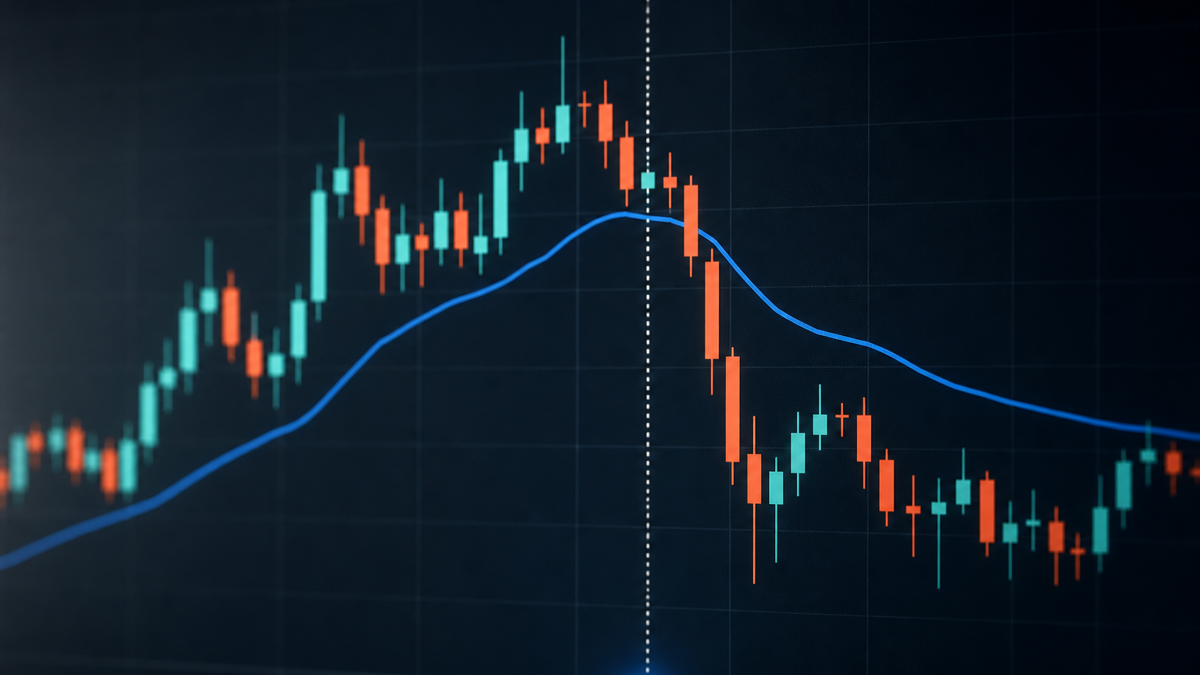
Which session should your futures VWAP use?#
A configuration decision: document your reset, time zone, included hours, and breaks.
Sources#
- E-mini S&P 500 Futures Overview - CME Group — cmegroup.com
- End of Month Settlement Procedures - CME Group — cmegroup.com
- https://www.cmegroup.com/trading/how-tmac-works.pdf — cmegroup.com
- https://www.cmegroup.com/trading-hours.html?redirect=%2Ftrading_hours%2Findex.html — cmegroup.com
- https://www.cmegroup.com/education/lessons/product-e-mini-s-and-p — cmegroup.com
- https://www.cmegroup.com/content/dam/cmegroup/notices/clearing/2026/06/chadv26-213.pdf — cmegroup.com
- https://www.cmegroup.com/content/dam/cmegroup/education/files/eq-trading-hours.pdf — cmegroup.com
- https://www.cmegroup.com/content/dam/cmegroup/education/modules/files/EQ240_EQ_for_AIT.pdf — cmegroup.com
- https://www.cmegroup.com/trading/equity-index/eminifaq.html — cmegroup.com
- https://www.cmegroup.com/trading/equity-index/settlement.html — cmegroup.com
- https://www.cmegroup.com/education/courses/introduction-to-futures/mark-to-market — cmegroup.com
- https://www.cmegroup.com/trading/equity-index/sp-500-price-limits-faq.html?redirect=%2Ftrading%2Fequity-index%2Ffaq-sp-500-price-limits.html — cmegroup.com
- https://www.cmegroup.com/trading/equity-index/rolldates.html — cmegroup.com
- https://www.cmegroup.com/education/articles-and-reports/e-mini-equity-index-options-block-quick-reference-guide — cmegroup.com
- https://www.cmegroup.com/trading-hours.html — cmegroup.com
- VWAP - Order Flow+ on NinjaTrader Desktop — support.ninjatrader.com
KEEP READING
Strategies9 min read
Audit Higher-Timeframe Indicator Timing
Audit higher-timeframe indicator lookahead bias in an intraday backtest with a timestamp worksheet, eligibility checks, and reproducible steps.
Read post
Backtesting7 min read
Build a Historical Stock Universe for Backtesting
Build a date-bounded historical stock universe with a worksheet for membership, ticker changes, listing status, and delisting checks.
Read post
Backtesting6 min read
How to Model Broker Commissions in a Backtest
Build a dated broker commission worksheet, model per-contract and per-share fees, apply minimums correctly, and reconcile backtest costs to statements.
Read post